


USB Toot Prank
USB Toot Prank Device
Meet the USB Toot Prank Device — a perfectly timed fart sound from somewhere nobody can pinpoint. It's a deceptively innocent little stick that plugs into a compatible, powered USB Type-A port and, every few minutes in Random Mode, lets out an unmistakable toot from somewhere nobody can quite locate. No app, no batteries, no setup — just a sound prank for someone who enjoys this kind of humor.
We built it on USB on purpose: potential power sources include laptops, desktops, hubs, TVs, cars, and power banks with USB Type-A ports. Port behavior varies, so not every port will power the device.
How It Works
A small switch on the bottom lets you pick your chaos level:
Random Mode
A toot plays at unpredictable intervals — roughly every 3 to 8 minutes — so it's nearly impossible to guess when the next one is coming.
60 Minute Mode
One toot, right on the hour, every hour — a slow-burn surprise for the long con.
There's no on/off switch. The moment it's plugged into a port that supplies power, it starts its selected timing cycle, and it keeps going until someone finds it and pulls it out.
Setup (It's Genuinely Plug & Play)
- Pick your mode using the switch on the bottom — Random or 60 Minute.
- Plug it in to a compatible, powered USB Type-A port. Not every port supplies power to low-draw devices.
- Hide it behind a monitor or inside a USB hub for maximum stealth.
- Walk away and let the confusion spread.
Want to see it in action? Check out the video.
USB Safety & Compatibility FAQ
Do I need an app or batteries?
No app, batteries, or software setup is required to use the prank. Choose a mode and connect it to a compatible, powered USB Type-A port.
Which USB ports can I use?
The device is intended for powered USB-A ports, including those on computers, USB hubs, TVs, cars, and power banks. This is not a guarantee for every model or port. Some ports do not supply power to low-draw devices; if it stays silent, try another port.
What happens when I plug it in?
The selected timing cycle starts when the device receives power, so a sound may not play immediately. Random Mode plays roughly every 3–8 minutes; 60 Minute Mode plays once an hour. For troubleshooting, allow a full 9 minutes in Random Mode or 60 minutes in timer mode.
How do I stop it, and can I reuse it?
Unplug the device to stop it. There is no on/off switch. You can reuse it by plugging it into another compatible, powered USB-A port.
Who is this prank suitable for?
Choose someone who enjoys surprise sound pranks. Get permission to use their equipment, follow workplace USB-device rules, and avoid settings where unexpected sounds could disturb others or interrupt important work.
Frequently Asked Questions
Does it work on a power bank?
Yes, I love the power bank option. And it will play for a very long time.
Can I reuse the USB?
Yes, it is designed to be reused in other USBs. Just unplug and use in another USB Port (please note other FAQ, not all ports are equal but most work well).
How loud is the device?
Loud enough to hear clearly across a room but not so loud it's immediately obvious where it's coming from. The goal is confusion, not a concert.
Why isn't my USB prank device working?
Some USB ports have a built-in 'power reserve' feature that blocks low-draw devices like ours from receiving power. It's not a defect, it's just one of the quirks of there being millions of differently configured USB ports in the world. The fix is simple: try a different USB port. Wall chargers, computer ports, and USB hubs all behave differently, so switching ports usually solves it immediately. Also make sure you've waited the correct delay time: 9 minutes on random mode or 60 minutes on timer mode before assuming it isn't working.

I purchased two of the screaming goat devices. One works great. The other not so much. The non-functional one has a loose USB plug so I am betting that the circuit board is not connected.
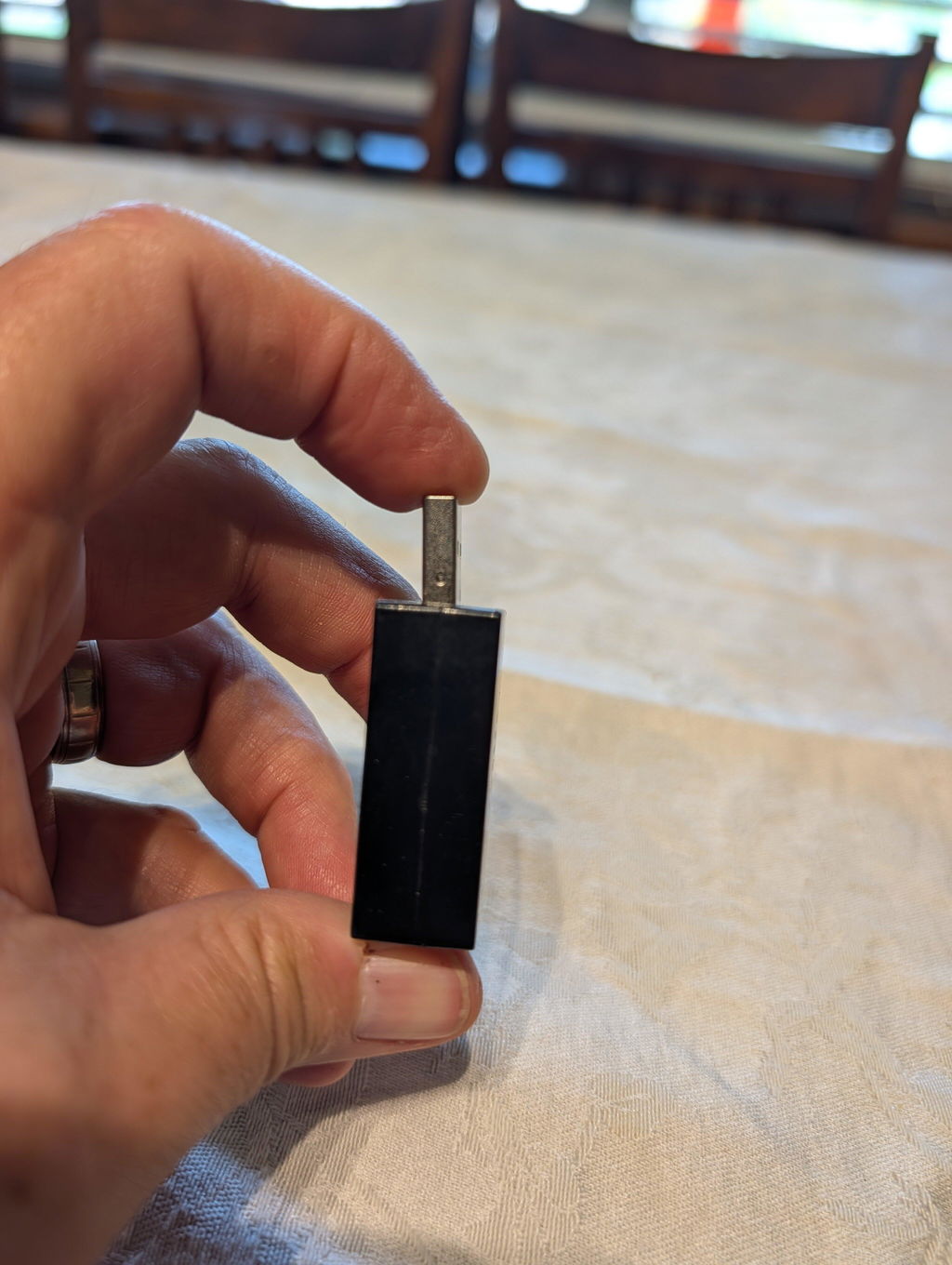
Hi Stephen, thank you for your feedback. We're glad one of the goats is working well! Sorry to hear about the issue with the other. We can assist with a replacement. Sometimes things happen.
Lame. It broke after a week
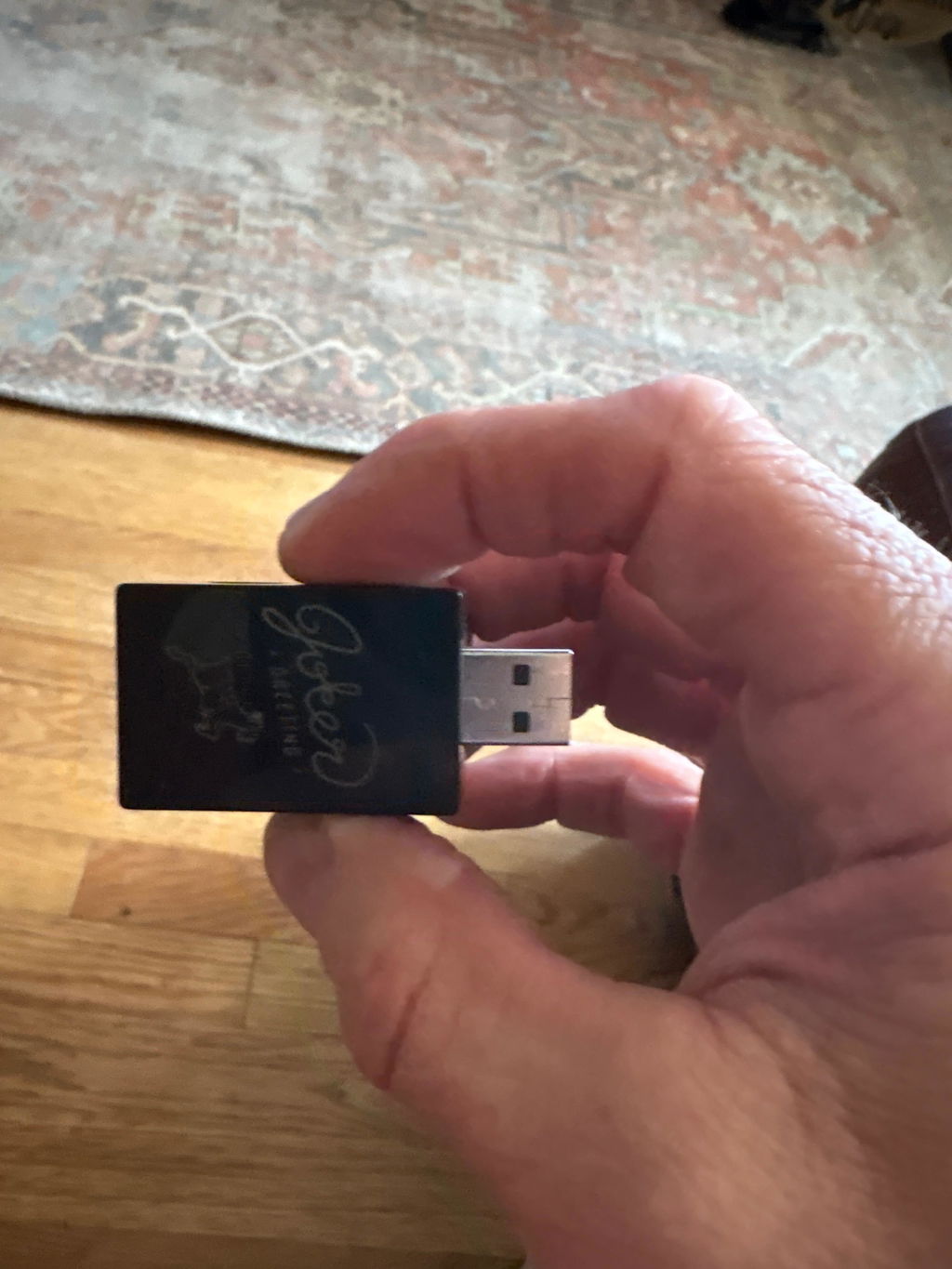
Hi Neil, sorry to hear When you say it broke; can you please clarify if it fell apart (photos seem fine) or did you try a new port and it didn't work? There are some USB ports that don't recognize small devices.
I bought a two-pack of these, one for home and one for work. This thing got a lot of great laughs at work and the fact it goes of randomly means it’ll always leave someone guessing when the sound will happen again. Also, I love that this device is so low in power demands, it works off of the old 5w chargers that iPods and iPhones used to use back in the day, so now I have a use for them again. I recommend this for some good-natured pranks on friends/family/and maybe coworkers.
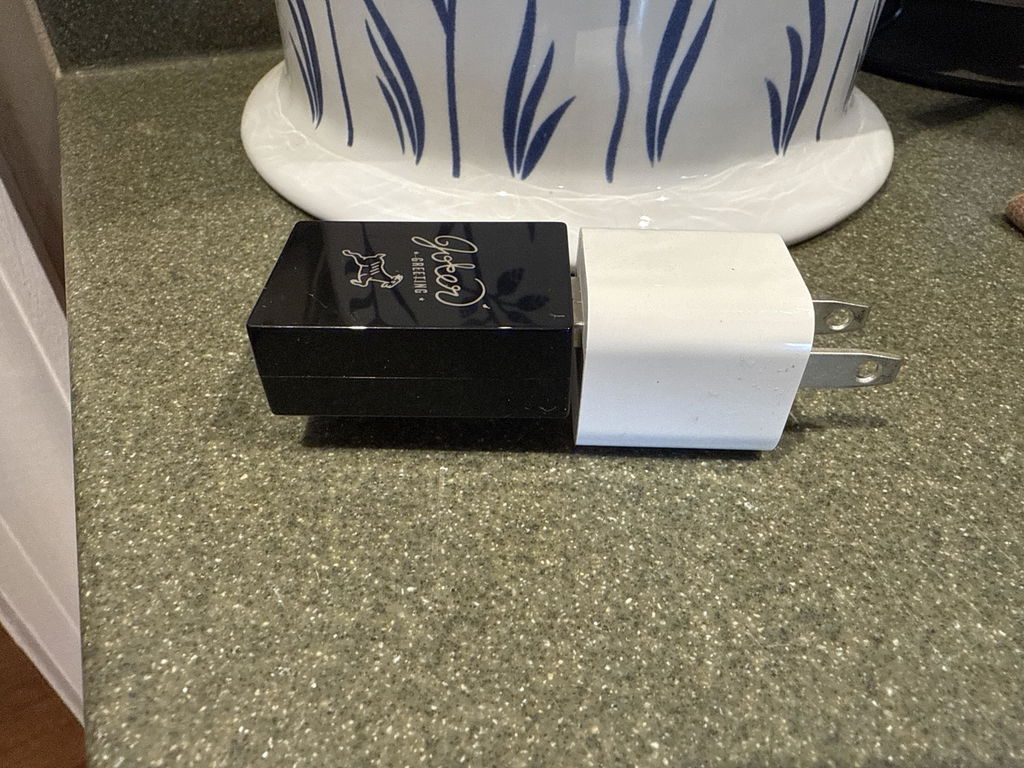
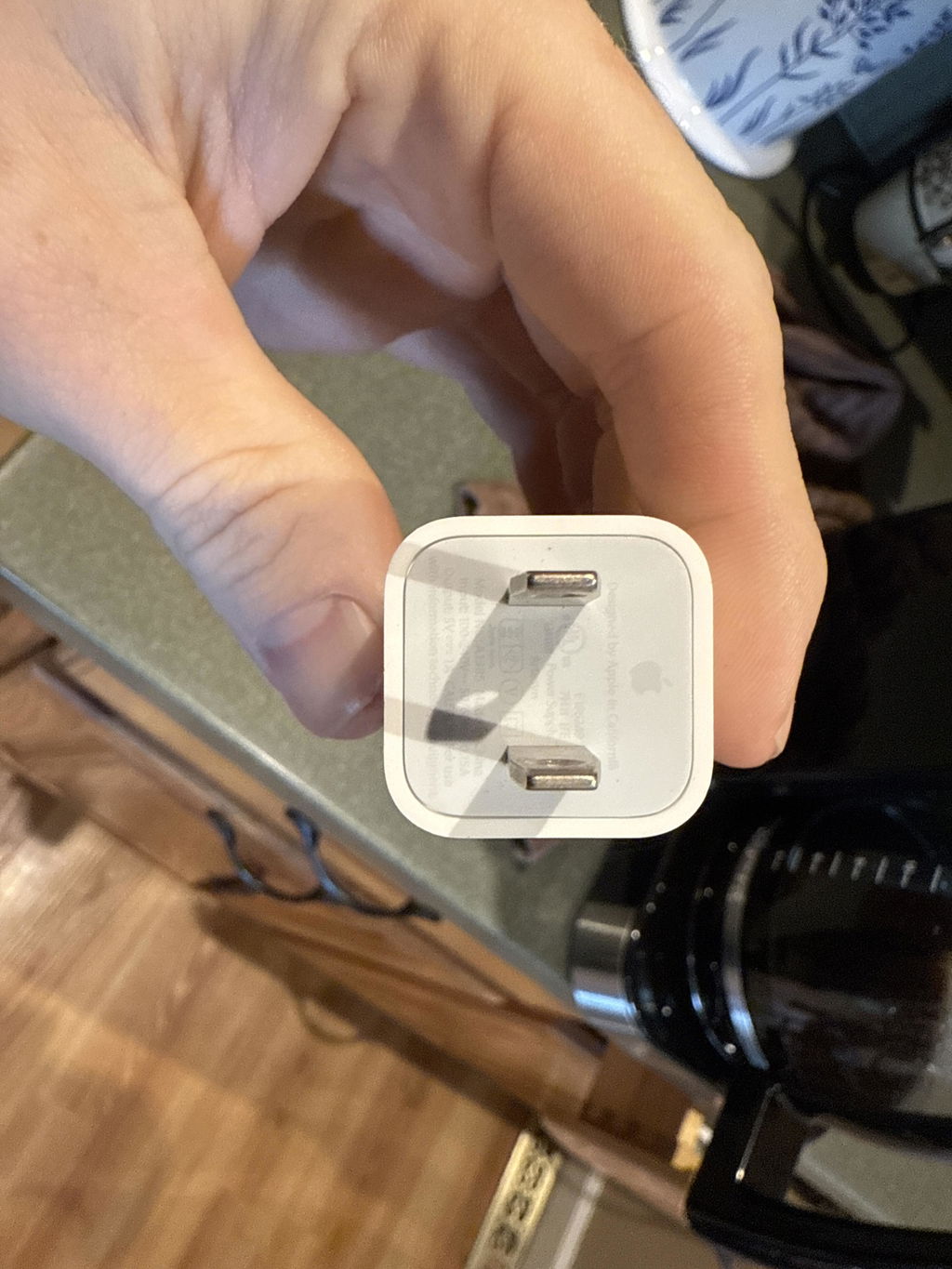
I was in the process of moving from one military base to another. I left the USB plugged in an office over the weekend I left. When people came to work Monday they spent the entire day looking for it after going off every hour. 10/10 would recommend!
I secretly placed this in the 3rd row USB port in my wife’s SUV and it literally drove her crazy because she had no idea where it was coming from. So worth the reaction. Can’t wait to get someone else!
Works great!
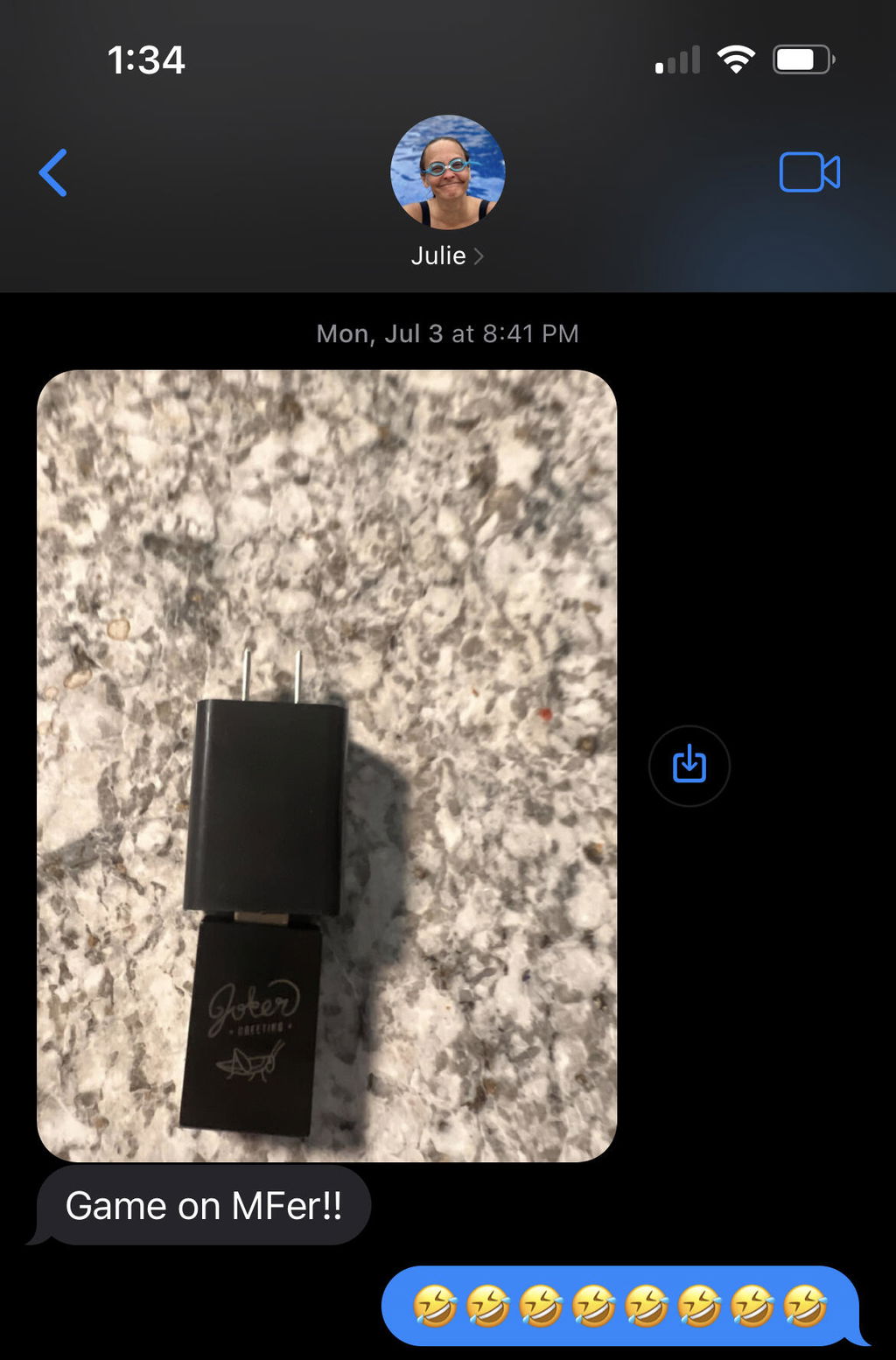
I bought this and the cricket cherp to hide around the office. There is a good long delay of a couple minutes when you plug it in first to allow getaway 🤣
It's nice an loud and has provided me plenty of fun
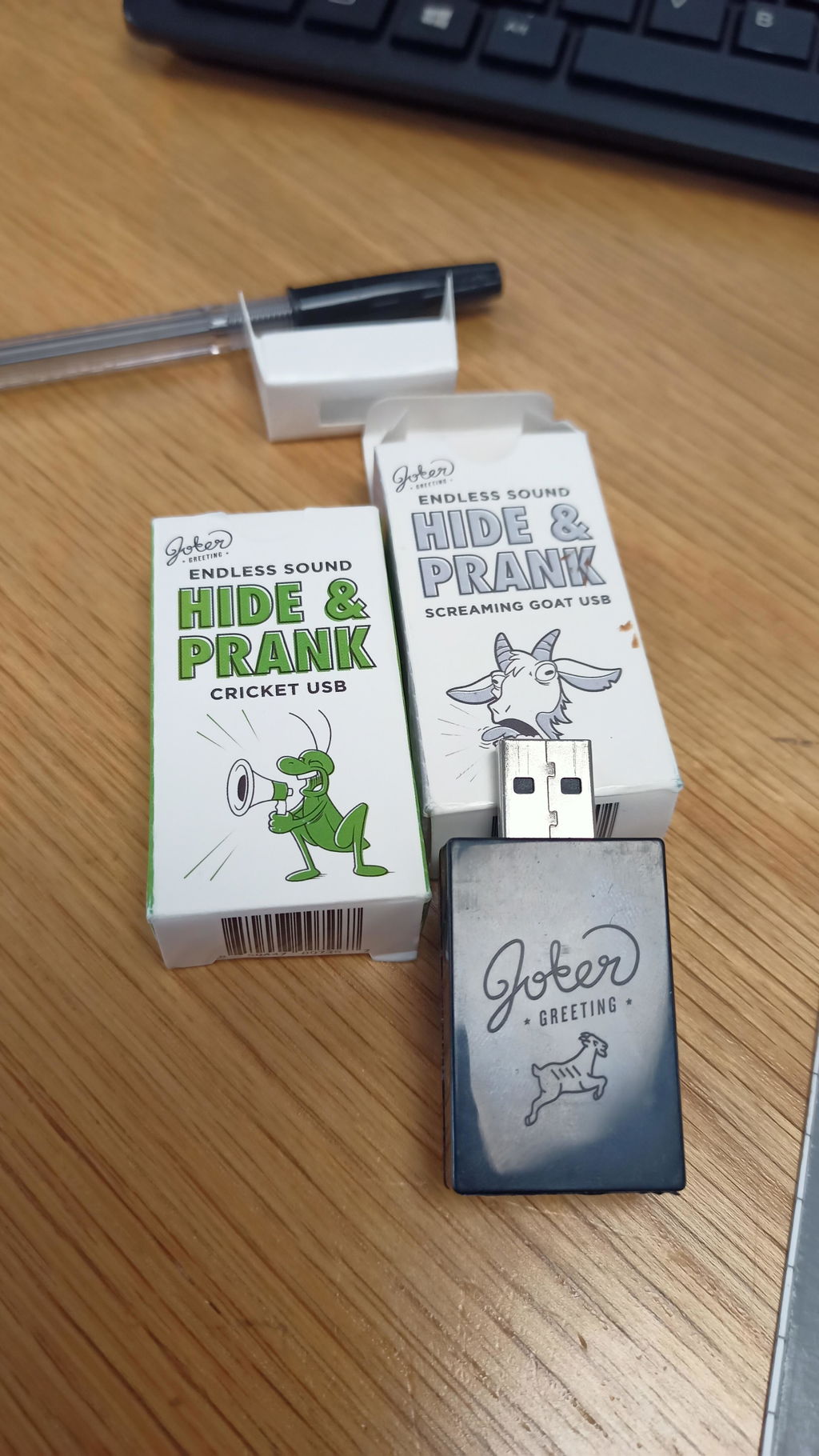
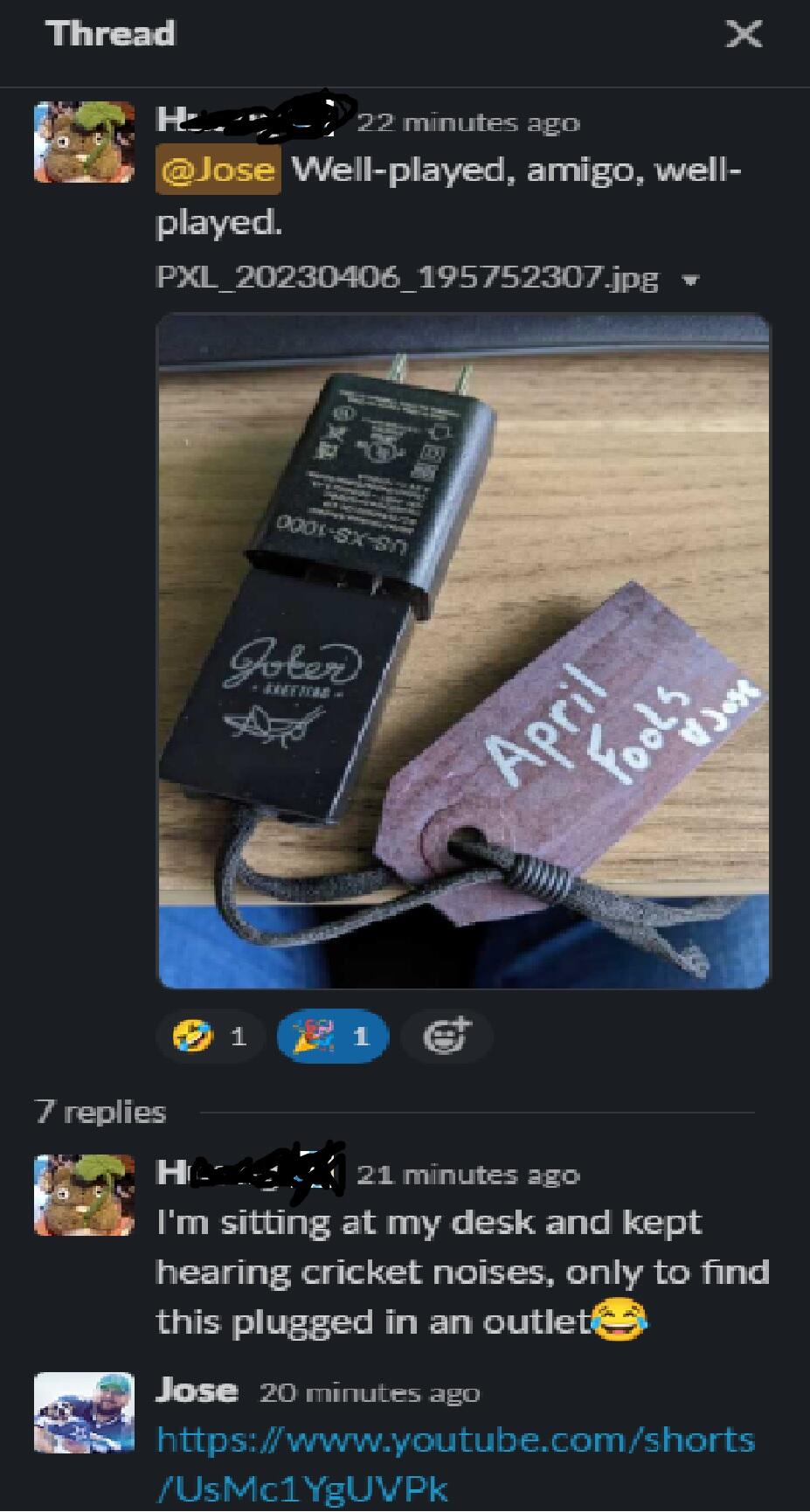
I waited until today to prank my coworker and it worked to perfection. They at first thought it was someone's bird feeder alert or text. Then because of the nonstop intermitted rate they believed it was real. Their office is open so the sound bounced off the walls to make it harder to locate. They also keep the office dark so having it black made it blend into the shadows. If it wasn't for the the tag I created they never would have found it. I wanted it to be funny not drive them insane. My only suggestion would be is to place a hole or spot on the USB to allow a property tag, if the buyer wants it back.
Funny machine, but I think it need a volume control. My husband didn’t notice over the volume of the tv. Also, it fell apart in my purse. I had to rubber band it together
It arrived today and it is not working.
Cool idea
This thing is hilarious. I plug it into the back of a tv or one of the USB outlets, set it to the 60 minute setting and just wait... It's so worth it.
Absolutely prank material!!!
Fast shipping and GREAT customer service.
Can’t wait to use it, but when buying this I was under the impression it was $12, not over $30. I wouldn’t have spent $30 on it.
Hi Kevin, as you rightly pointed out they are $12.99 and I see you purchased 2 of them which is $26 and shipping is $5. I don’t think we bamboozled anyone here because you did buy 2 of them. Did you only want 1? I guess I’m also confused.
Works and sounds great. I bought it to play a joke on someone else, but I kept it and enjoy the random chirps in my house
Worked one time
Hi, this is frustrating. It is most likely a USB port issue. Have you tried a different USB port? There is a technical problem with some random USB ports that do not recognize random/small power "Surges" and it literally turns off the port. If you ask AI about this they can explain the details. I have an old TV that plays the sound once but my newer TV works great. -- We do guarantee all devices so I'd suggest trying a new port, on random, and setting a timer for 9 minutes. Please keep us posted on how it goes.
Ordered this to play at work, it was so much fun! I had it go off every hour and it took them a week to find it!
Not too goat like
Hi, it may not sound like a goat but it does match the sound on the product page, right?
This was the best prank ever! It sounded like a real cat and had my buddy looking for a cat, and before we ended the prank he was questioning his sanity! Lol great product!!
Drove my kids and grandkids nuts looking for a cat 🐈 🤣🤣🤣
can't hear it with any background noise
Its a fun little gage.
Works great
LOVE it, great way to mess with my coworkers, they got a kick out of it too!
Got my wife first with it, then went and hid this at my parents house at a small get together. My poor grandmother was going insane trying to find out what it was!
All good
No sound atball waited for 2 hour while on a call
Hi John, I guess I am confused, on our email you said the USB worked just fine.
The fart sound that plays on the website is not the same as the sound that comes out of the device. In fact, I plugged it in to test it out, forgot about it, and heard an odd creaking sound that I realized was the farting device. I plugged it in for my husband, and his eventual response was, “What’s that sound?”, not “What is farting?”
It’s also kind of quiet, and I had placed it behind a couch, so the whole effect was just muted.
It was still funny that it was supposed to sound like a fart, so we managed to enjoy it nonetheless.
Sometimes I get a review like this and there might be a misunderstanding because every single video we make in-house uses only the sound directly from the device. It is the same sound but we do use a mic and your speakers also modify the sounds. It's like how colors on a screen aren't always the same as the colors on a shirt once it arrives. It's a hard problem to resolve. --- but I definitely admit the sound emitted from a small speaker is not the quite the equivalent of a sound emitted from a human. Though I wish it could be replicated perfectly.